
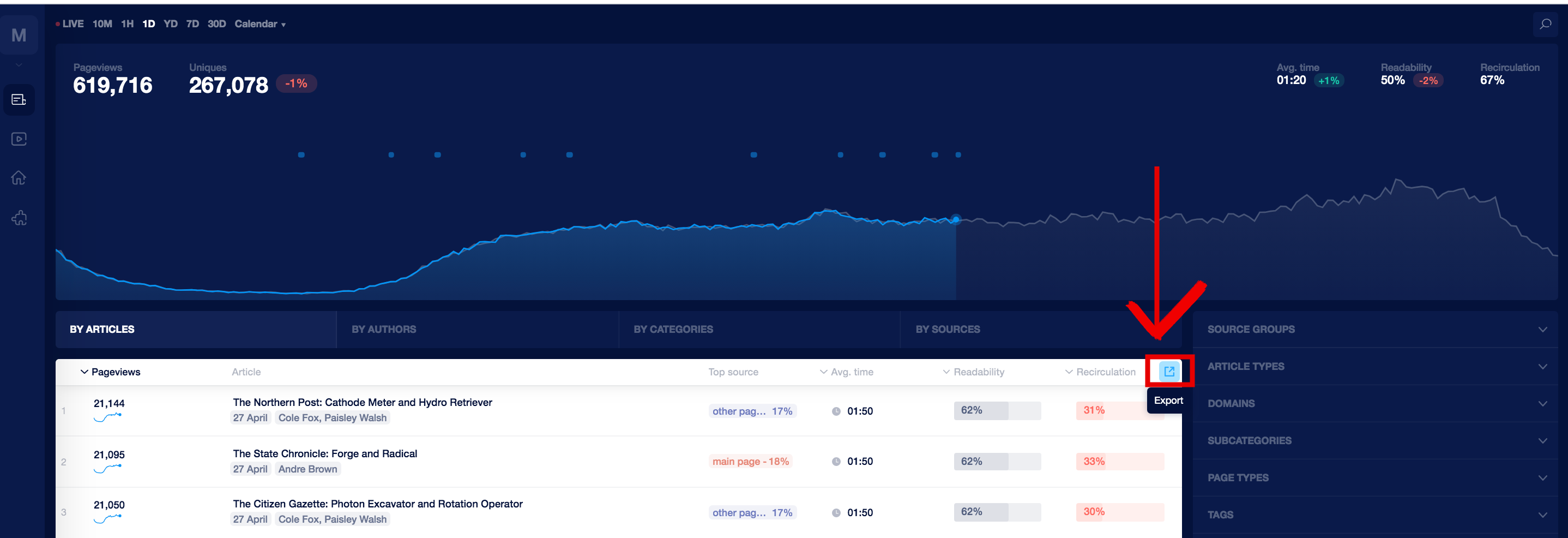
You can download the report with applied filters and timeframes. The export button is located at the top right corner of the articles' list:
Current limitations on a number of rows depending on the file format:
csv - 5000 rows
xls - 5000 rows
google docs - 1000 rows
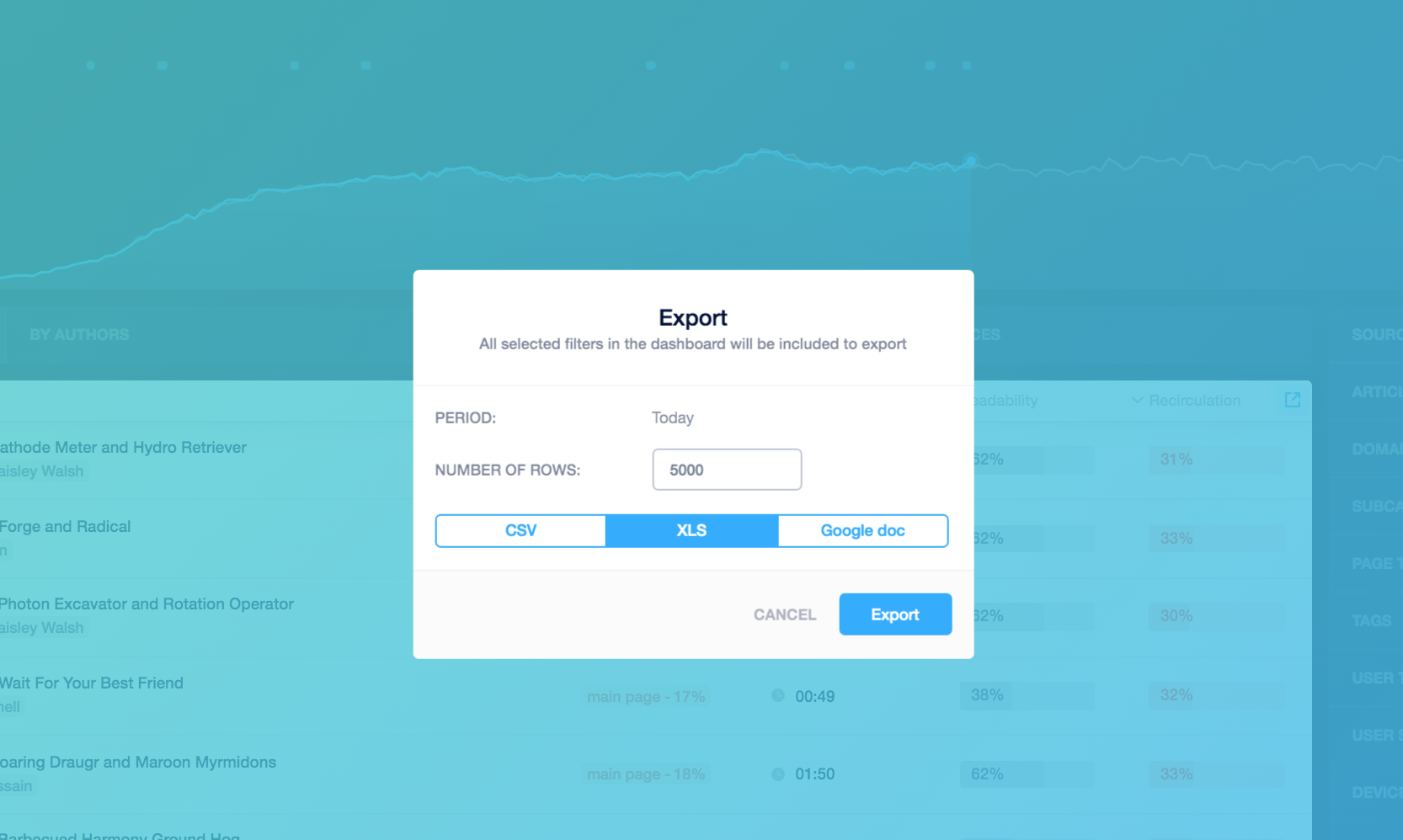
You can close the export menu after you click the "export" button - the download will start automatically as soon as your file is ready. In case you chose google docs, the popup with a link will appear.
If any questions left, feel free to contact our support team via the chat